
Purpose
Sign in to the Console using your OmaxTelecom ID (Keycloak single sign-on).
Prerequisites
- Console access via the
cp_accessrole on your OmaxTelecom ID account - Credentials issued by OmaxTelecom sales or support
Steps
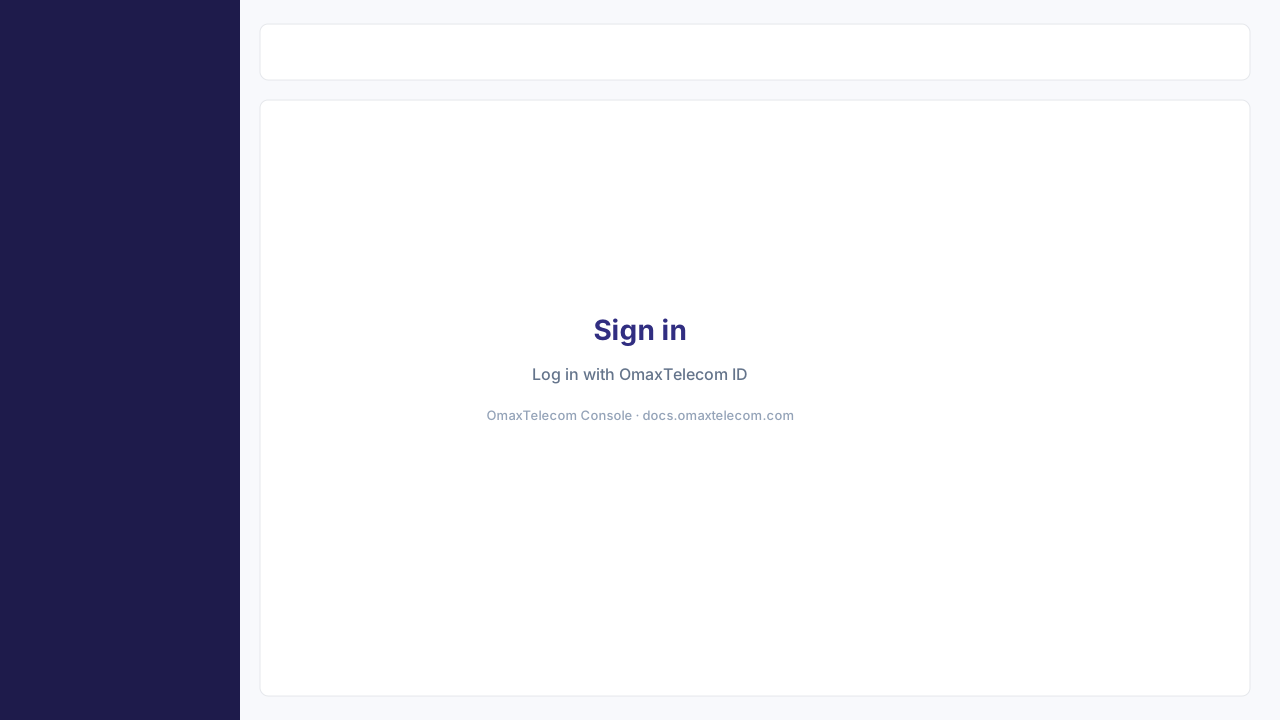
- Open the login page — Navigate to console.omaxtelecom.com. You are redirected to the login screen when not authenticated.
-
Log in with OmaxTelecom ID — On the login page, confirm the heading Sign in to your account, then click Log in with OmaxTelecom ID.
-
Enter credentials — Complete authentication on the OmaxTelecom identity provider with your email and password.
-
Land on Dashboard — After a successful login, you are redirected to Dashboard in the sidebar.
:::warning New accounts Login via OmaxTelecom ID is only available for existing OmaxTelecom clients with an active service. Contact [email protected] to request access. :::
Related pages
Last modified on